PPCOS. An AI Operating System for Google Ads
29 Google Ads skills and a setup course that takes a marketer from never opening a terminal to running their first AI agent the same day. Live inside a 2200+ member PPC community.
About The PPC Hub
2200+ member community for Google Ads professionals
Bob and Miles built The PPC Hub to be the opposite of a theory webinar. People in the trenches, sharing what works on real accounts. When AI started landing in Google Ads workflows, they didn't want their members getting left behind. They needed a system the community could put to work the same week. Not slides about it.
The Challenge
2200+ marketers. Most never opened a terminal. They wanted AI inside their Google Ads workflows but had no idea where to start. The gap between 'I want AI to help me' and 'I have a working agent' is huge. And whatever I built had to keep working when the underlying tools shipped a new version every two weeks.
What I Built
PPCOS is a CLI tool that ships 29 Google Ads skills and 5 hub-level skills through Claude Code. The skills come in 4 flavors. Gatherers, Auditors, Optimizers, Makers. They hand off to each other. An auditor finds an issue, the system knows which optimizer should run next. The marketer doesn't have to think about that part. Hub-and-spoke setup. One central hub, isolated per-client workspaces. When I push an update, every workspace gets the new version without touching the marketer's custom work. Everything runs locally. One-line install. That was the bar.
Gatherers
Pull context into the workspace. Google Ads data, brand websites, competitor ads, business context. Everything else runs on top of this.
Google Ads Context · Business Context Gatherer · Ads Context Gatherer · Competitor Scraper · Account Changelog
Auditors
Diagnose what's wrong. Score modules, surface issues, point you (or the next skill) at the fix. Never touches the live account.
Account Auditor · Keyword Auditor · Search Term Auditor · Bidding Auditor · Budget Auditor · Quality Score Auditor · Competitive Analyst · LP Auditor · Offer Auditor · Placement Auditor · Geo & Schedule Auditor · Strategy Specialist · Tracking Specialist
Optimizers
Apply changes via the Google Ads API. Dry-run, human approval gate, step caps. Won't run if a blocking layer is still active.
Keyword Optimizer · Search Term Optimizer · Bidding Optimizer · Budget Optimizer · LP Optimizer · Placement Optimizer · Geo & Schedule Optimizer
Makers
Build assets. Ads, landing pages, offer angles. Grounded in the client's real context, not generic AI slop.
RSA Maker · Offer Maker · Landing Page Builder · Ecom Page Builder
Hub skills
System-level stuff. Adding clients, updating PPCOS across every workspace, generating reports, checking nothing's broken.
Add Client · Update PPCOS · Health Check · Report Generator · Branding Generator
How I Think About It
The features don't make the system. The ideas behind them do.
Hub and spoke
One hub holds the skills. Each client lives in its own folder. When I push an update, every workspace gets the new version. Custom work stays put.
Managed vs custom
Every file PPCOS owns is in a manifest. Updates only touch those. Your custom skills, your notes, your client context, all stay safe.
The jar
The context window is a jar. Wide at the bottom, narrow at the top. Fill it with the right things in the right order or the model goes dumb.
Just ask Claude
When someone gets stuck, the answer isn't 'read the docs.' It's 'ask Claude what to do next.' The docs are inside the system, and the system can explain itself.
How Changes Reach the Live Account
An agent that can read your account is one thing. An agent that can change your account is a completely different beast. PPCOS handles writes through a 5-step pipeline. Build the airport first. Then add traffic slowly. Reads first. Then small planes. Then bigger ones.
- 1
Reason
Agent reads the client context (business.md, SOPs, recent performance) and figures out what to change and why. Reasoning gets logged.
- 2
Build payload
Reasoning gets turned into a JSON payload for the Google Ads API. Deterministic. The LLM never talks to the API directly. That part is just code.
- 3
Dry run
Payload runs in validate-only mode. Catches structural errors before anything touches the live account.
- 4
Human reviewHuman gate
CSV of proposed changes plus the reasoning, on your screen. Real blocker. Nothing crosses without you saying yes.
- 5
Push live
Approved payload goes to the API. What you saw in the CSV is exactly what gets written. Result logged back to the client folder.
The agent does the work. You approve what crosses the border. That's what 'human in the loop' actually looks like when you build it, instead of just putting it on a slide :D
What This Changes
Time and cost spent on repetitive work, before and after.
| Task | Manual | With The PPC Hub | |
|---|---|---|---|
| Account data pull & analysis | 2-4 hours | 5-10 min | |
| Search term analysis | 1-2 hours | 10-15 min | |
| RSA ad copy creation | 2-3 hours | 15-20 min | |
| Quality Score diagnosis | 1-2 hours | 5-10 min | |
| Competitor research | 1-2 hours | 5 min | |
| Landing page wireframe | 4-8 hours | 15-30 min |
Account data pull & analysis
Search term analysis
RSA ad copy creation
Quality Score diagnosis
Competitor research
Landing page wireframe
10-20+ hours saved per client, per month
The Solution
Build the system. Then make the setup stupid simple. Claude Code as the engine. 'Just ask Claude' as the fallback when something breaks. The signal that told me the framing was right: members started writing setup guides for each other inside the community, unprompted. That doesn't happen if the system is hard to teach.
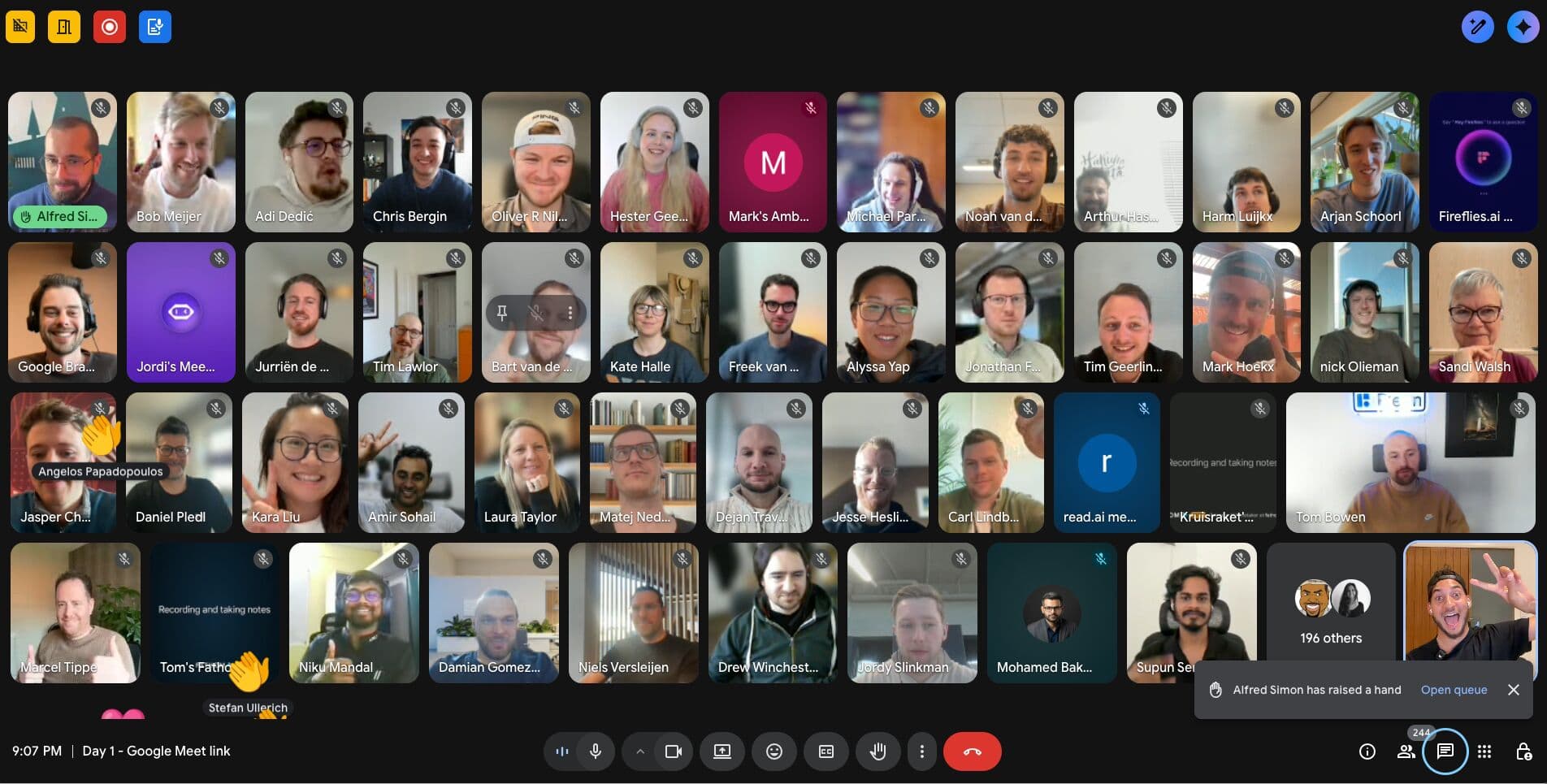
Zero to working AI agent. No code. 4 modules: understand it, install it, configure it, fill it with context. Mix of slide decks, screencasts, cheat sheets, live calls. When people get stuck I jump into the community to debug in real time.
- 4 modules, ~31 lessons end-to-end
- 12 custom slide decks built for non-technical learners
- Live calls plus async modules so people move at their own pace
- Real-time debugging inside the community when things break
- Zero to working AI agent without writing a line of code
How People Learn It
Most people don't fail at AI because the tools are bad. They fail because no one taught them in the right order. So I sequenced the course. Each module sets up the next.
Understanding PPC OS & Claude Code
Map of the AI ecosystem. How Anthropic handles your data, what to tell clients. The 'just ask Claude' mentality, before anyone installs a thing.
Installing the tools
Claude Code, Cursor, terminal basics, env security. Google Ads API access plus fallbacks for marketers stuck without it.
Configuring your workspace
Hub vs clients mental model. Folder tour. Skills come in 4 flavors. CLAUDE.md as the orientation note. First real skill end-to-end.
Adding context
Why context equals quality. Filling business.md through the interview-style gatherer. How PPCOS remembers your clients between sessions.
Plus a downloadable cheat sheet of every PPC OS command.
Results
What People Said
“I'm not technical at all, and once I started using Claude Code locally, I realized that I was procrastinating for nothing. It's really doable.”
“Making the setup as easy as you did is a skill in itself.”
“I ASKED CLAUDE... and then kept pressing yes. Had no idea what it was doing but it worked.”
“These installation tutorials from Alfred were very useful, thank you!”
“Alfred is a super star.”
“Brilliant addition to PPC HUB.”
“I already felt as an IT expert during the set up :P”
“You guys are locked in. Thanks already for creating this!”
What Participants Shared on LinkedIn
Yannick Hosman
PPC Specialist
I've been working with Claude Code, MCP-servers and API integrations, but this was the first time bringing everything together in one structured system specifically for Google Ads.
View on LinkedIn →
Jonathan Foda
PPC Marketer
Built automation tools using Claude Code, MCP servers, and Cursor to transform my workflow. The focus shifted from working harder to working with superpowers through AI-driven automation and Google Ads integration.
View on LinkedIn →
Miles McNair
Founder, The PPC Hub
The focus is on helping members BUILD their own systems rather than simply using tools. I'm incredibly optimistic about our members' growth potential over the next 18-24 months.
View on LinkedIn →
Sven van Grinsven
FindFactory Digital Agency
We spent five days building instruction files using Claude Code and Cursor to automate analyses and translate directly into client advice. Cross-account performance insights, keyword overlap analysis, and feed optimization suggestions.
View on LinkedIn →
Community Reactions
Click any image to zoom in
Related Reading
What I Learned Building 30+ AI Agents for Marketing Teams in One Year
More about mindset than technology. FOMO, scaling chaos, and why you're building a hotel — not pitching a tent.
Read →
How to Get Better AI Output: Build a Context System
The more your AI knows, the better it performs. Here's how to build a context system that turns generic AI output into specific, useful results.
Read →
How to Keep Up With AI Without Burning Out: Focus on the Base Layer
You don't need to learn every new tool. You need to build the base layer. Once you have that, keeping up is just reading what's new and applying what you already know.
Read →
Want a system like this for your team?
I build AI systems for marketing teams. Same hub-and-spoke setup, same guardrails, but around your SOPs and your workflows. If this is on your mind but you don't know where to start, reach out. Happy to chat.
Let's talk